LKTools

LKTools is a desktop application that simplifies working with tinycontrol devices.
It provides tools for discovering devices in a local network and updating their firmware.

Discovery

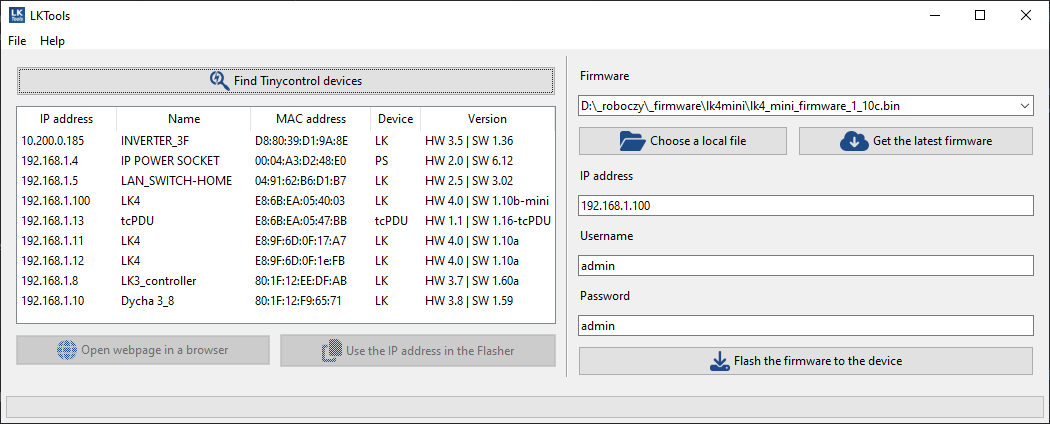
The Discovery function allows you to find the following tinycontrol devices in a local network:

Discovered devices are displayed along with key information, including:

The main purpose of this feature is to simplify locating devices in networks that use a DHCP server.

Note: Devices with static IP addresses outside the address range of the network in which the application is running will not be detected.

For example, a device with a static IP address 192.168.3.10 will not be discovered when the computer is in a 192.168.1.X network. However, a device with the address 192.168.1.10 will be detected.

Firmware Update

The Firmware Update function allows you to easily update firmware for the following devices:

To update the firmware:

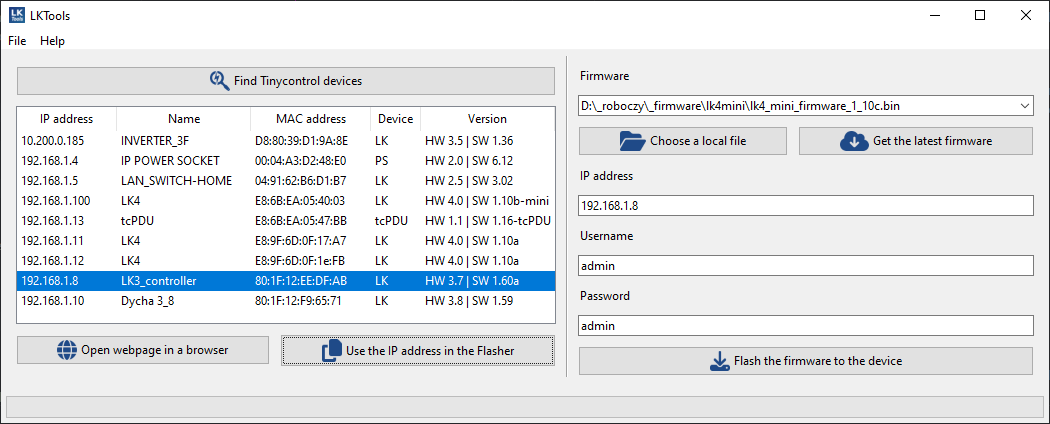
  1. If the device supports discovery, click Discover tinycontrol devices, select a device from the list, and then click Load IP into Flasher.
    This will automatically populate the firmware update form with the device’s IP address.
    Alternatively, you can enter the IP address manually.
  1. Enter the login credentials (Username and Password).
    If Basic Authentication is disabled on the device, these fields can be left empty.
  2. In the Firmware file field, select a previously downloaded firmware file.
    Alternatively, use Download & flash latest firmware to automatically:

    • Connect to the device using the provided IP address and authentication data
    • Query the device to obtain its hardware and software version information
    • Identify the device as a specific model and hardware/software variant
    • Check the availability of compatible firmware on tinycontrol.pl
    • Download the latest stable firmware for the identified device

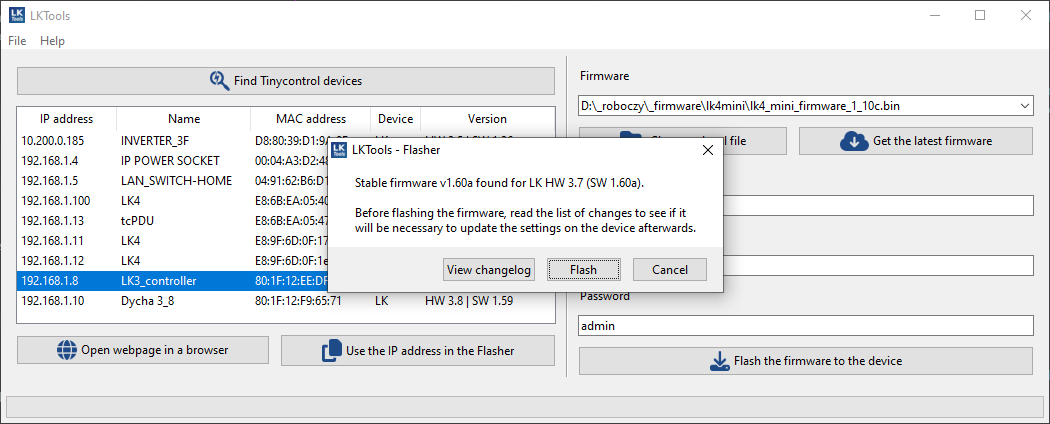
    After downloading, you can choose to:

    • Open the firmware changelog page
    • Flash the downloaded firmware
    • Cancel the operation
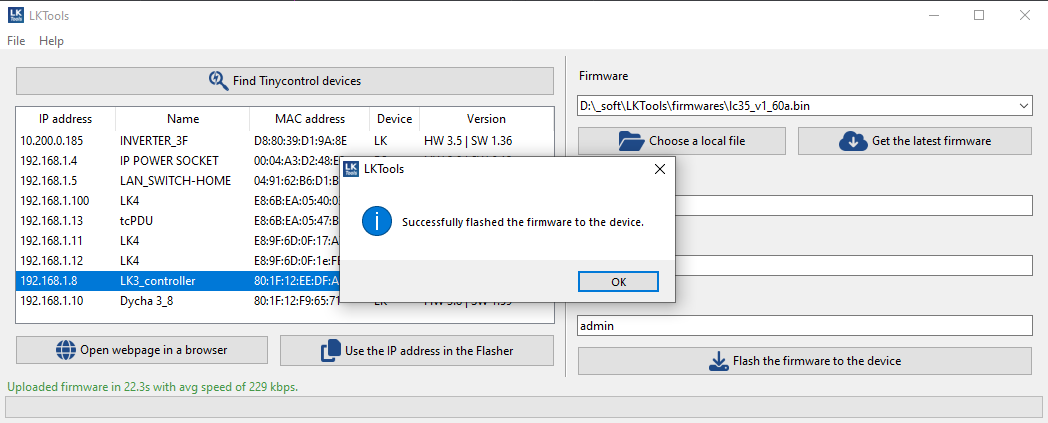
  1. If you did not use Download & flash latest firmware, start the update manually by clicking Flash selected firmware and wait for the result.

Downloads

LKTools 2.5.1

Current version for Windows 11, 10 and Linux 64-bit (tested on Ubuntu 24.04, 22.04).

Windows 11, 10 (.zip) Linux Debian, Ubuntu (.tar.gz)
LKTools 1.3.2 (Legacy)

Legacy version - the last version with support for Windows XP (64-bit and 32-bit).

Version for Windows 11, 10, 8, 7, XP (64-bit and 32-bit) and Linux 64-bit (tested on Ubuntu 18.04, 20.04).

Windows 11, 10, 8, 7, XP (.zip) Linux Debian, Ubuntu (.tar.gz)

Changelog

The list of changes is included in the CHANGELOG.md file in the application archive.